In a life threatening emergency dial Triple Zero (000)
Storm and Flood Assistance
In an emergency, the ACT Emergency Services Agency publishes warnings on this website and other communications channels.
For your survival, know where to find emergency information and keep informed of the latest updates.
The Australian Warning System is a nationally consistent method of displaying warning information with three levels of threat.


As well as the warning level, a warning will contain information on the situation, the expected impact on communities, and advice on what you should do to stay safe.
The Australian Warning System is used in the ACT for a range of hazards, including:
The same three warning levels — Advice, Watch & Act and Emergency Warning — help you quickly understand the level of threat.
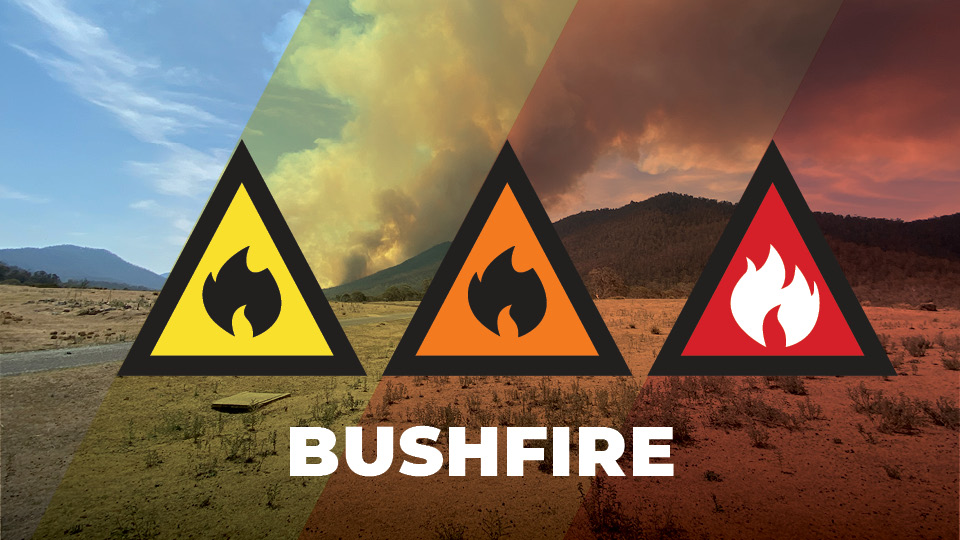
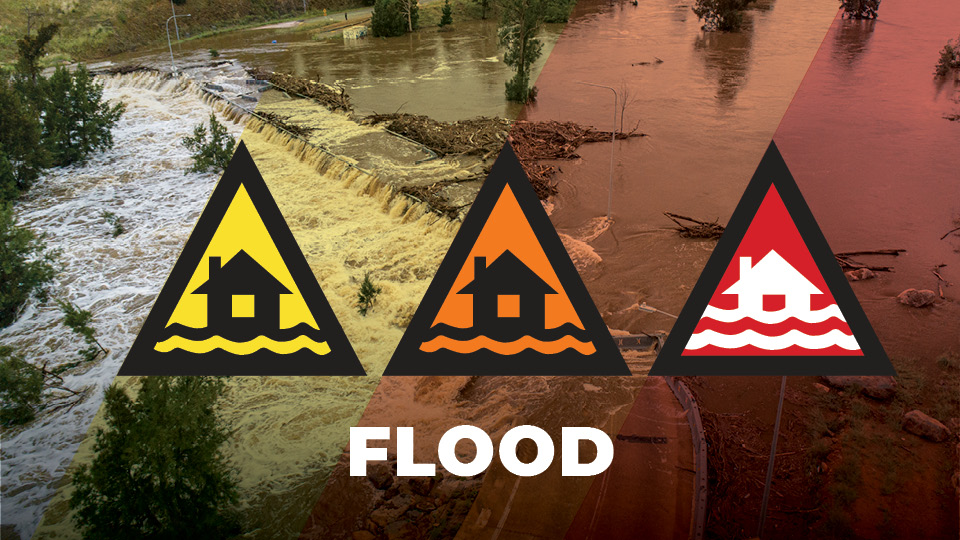

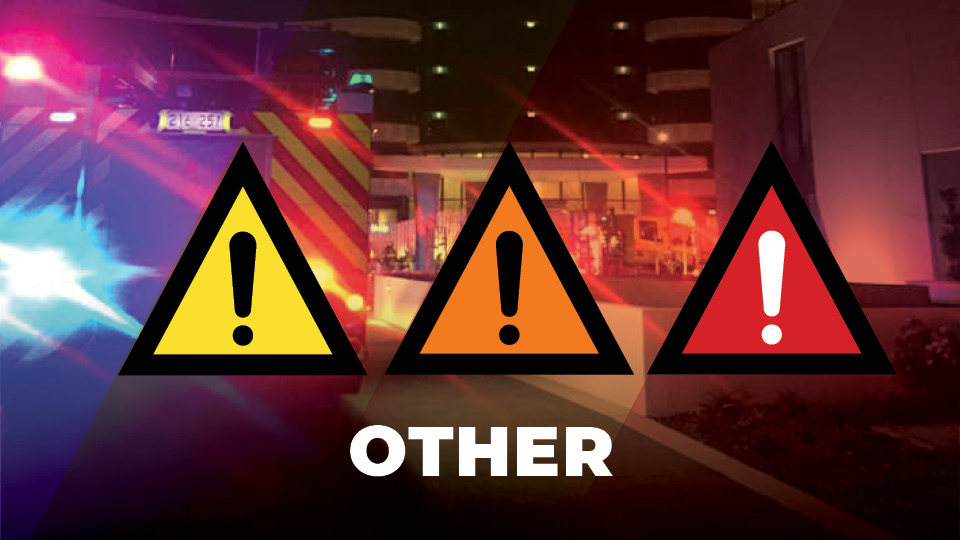

An emergency can happen when you least expect it, so, you need to know what to do.
When a warning is issued, it will include information about the hazard location and impacted areas.
On the ACT Emergency Services Agency website and linked applications, you may see warnings displayed as an icon, or a polygon drawn around the affected area.
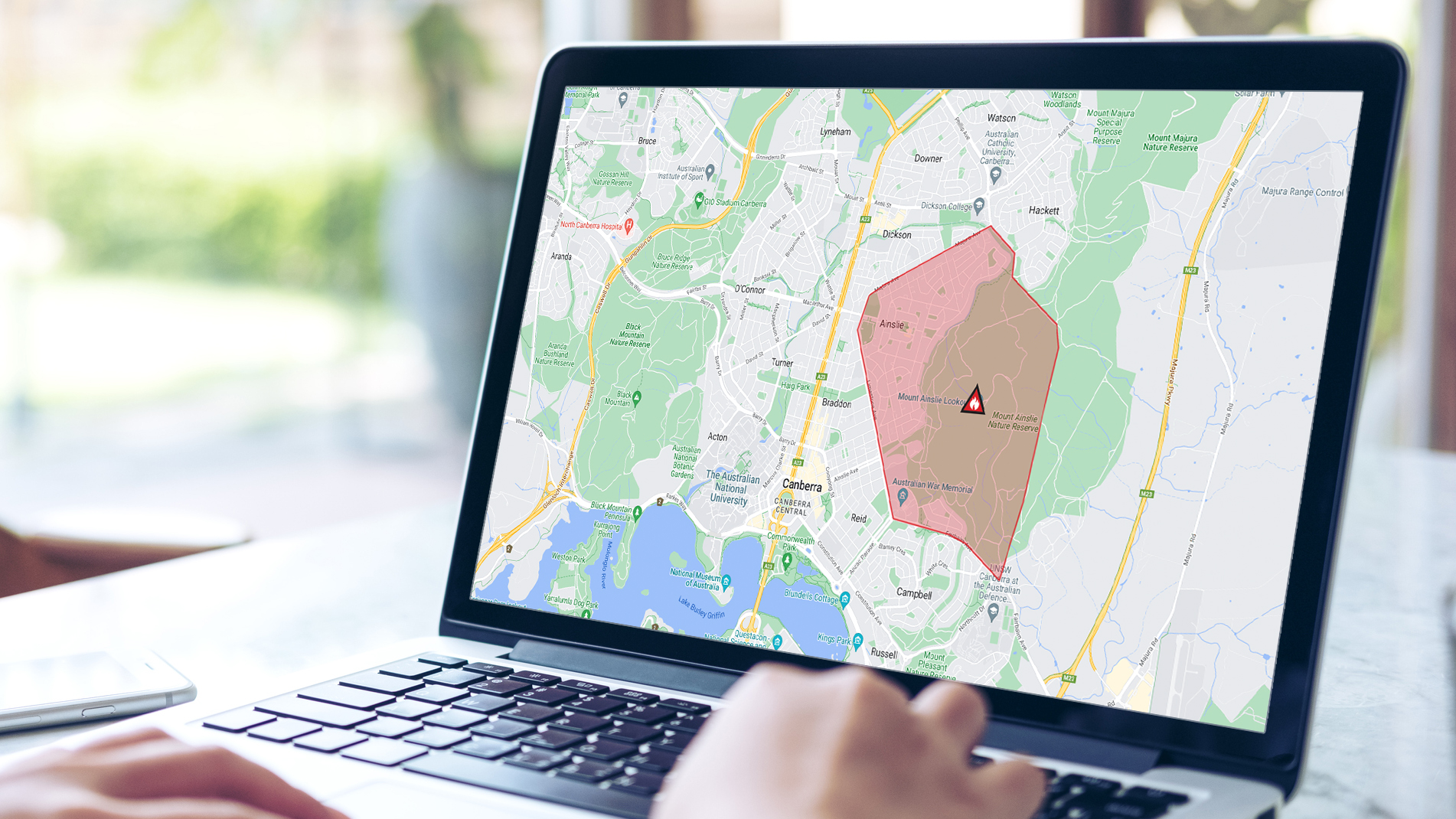
Using the ACT Emergency Services Agency Incidents Map, click or tap on the overlay or icon to see additional information relevant to the warning.
AusAlert is a mobile emergency warning system used to send urgent messages directly to compatible mobile devices.
AusAlert uses cell-broadcast technology to send a warning to compatible mobile phones and other devices in a defined geographic area. You do not need to register, download an app or provide your phone number.
An AusAlert is not a text message. It appears as an alert on your device and may make a distinctive siren-like sound and vibrate depending on the type of alert.
If you receive an AusAlert:
AusAlert can reach compatible devices in a target area almost simultaneously, continues to work when conventional mobile networks are congested, and does not require an active SIM card. It also does not collect the recipient's phone number or location.
During the transition to AusAlert, emergency services will also continue to have access to the existing Emergency Alert system.
Emergency Alert can send SMS messages and automated telephone calls to mobile and fixed-line phones in a selected area. Emergency Alert messages may come from 0444 444 444.
Depending on the emergency, you may receive an AusAlert, an Emergency Alert,
Learn more about AusAlert & Emergency Alert.
Before an Emergency Warning is broadcast, you may hear a distinct siren sound – called the Standard Emergency Warning Signal.
Media outlets including radio and television broadcasters use this sound to identify emergency warnings.
In an emergency, you can find additional information on the ACT Emergency Services Agency website and other channels.
If your life is at risk, do not wait for a warning. Leaving early is the safest option.
A feed of news alerts, updates, and warnings is published to the ACT Emergency Services Agency website and RSS Feed.
A feed of current incidents can be accessed via a GeoRSS feed. This data is updated every 60-seconds directly from the Computer Aided Dispatch System.
The Common Alerting Protocol (CAP) is an international standard designed for the exchange of emergency alert and warning messages between various systems and networks.